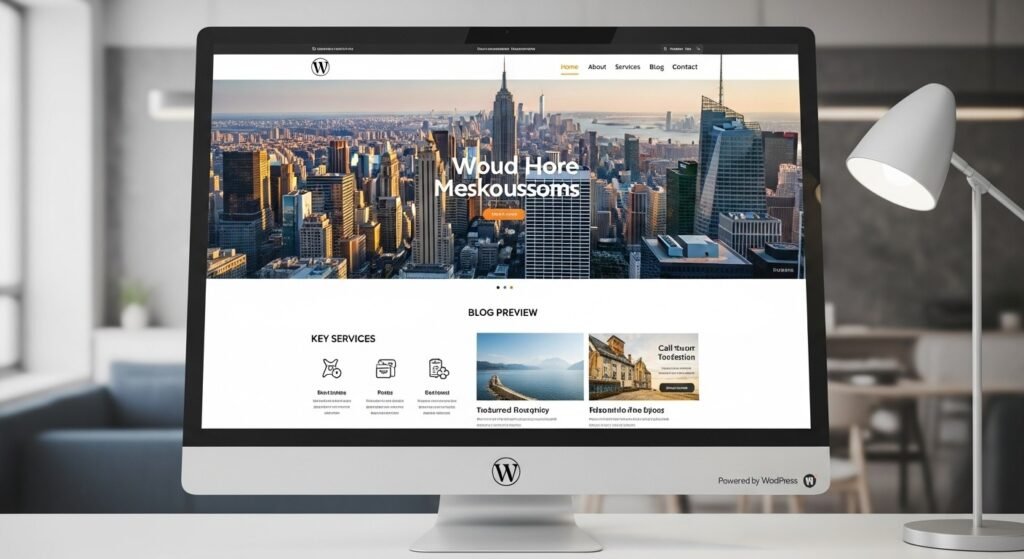
A custom WordPress website provides unparalleled flexibility and scalability for businesses and individuals alike. Developer Hiren specializes in creating bespoke sites that align with your brand. With WordPress powering millions of sites, it’s the ideal choice for customization.
Key Takeaways
- WordPress offers open-source freedom, allowing full control over design and functionality without proprietary restrictions.
- It boasts a vast ecosystem of plugins and themes, enabling quick customizations for any need.
- Superior SEO capabilities help sites rank higher, driving more organic traffic.
- Cost-effective compared to custom-coded alternatives, with low ongoing maintenance.
- Community support ensures constant updates and security enhancements.
- It’s free and open-source, reducing costs while providing extensive customization through themes and plugins.
- With a 62% share in the CMS market, it ensures robust community support and frequent updates.
- Ideal for SEO, e-commerce, and content management without requiring advanced coding skills.
- Proven security features and integrations make it reliable for long-term use.
What Is a custom WordPress site?
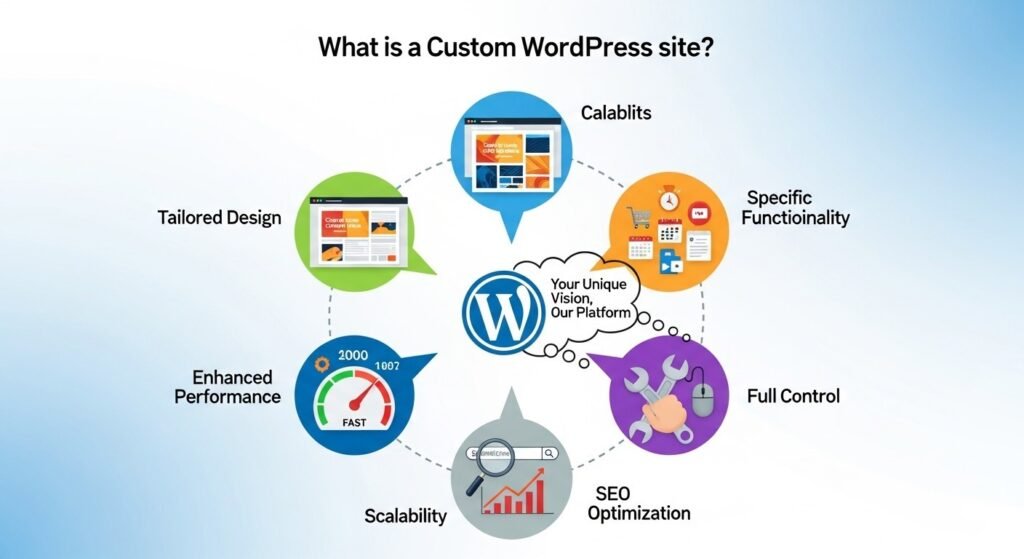
A custom WordPress site is a site built using the WordPress platform but modified extensively to fit specific requirements. Unlike standard templates, it involves tailored themes, plugins, and code to create unique features.
This approach goes beyond drag-and-drop builders. It integrates custom CSS, PHP, and JavaScript for personalized user experiences. For instance, e-commerce sites might include bespoke checkout processes, while blogs could feature advanced content management.
WordPress’s core allows such modifications because it’s open-source. Developers can access and alter the codebase freely, ensuring the site evolves with business needs.
For instance, if you’re running an e-commerce store, a WordPress website customization might include tailored product pages, integrated payment gateways, and personalized user dashboards. This level of customization enhances performance, as the site isn’t bloated with unnecessary features from generic themes.
Why Choose a Custom WordPress Website Over Pre-Built Options?
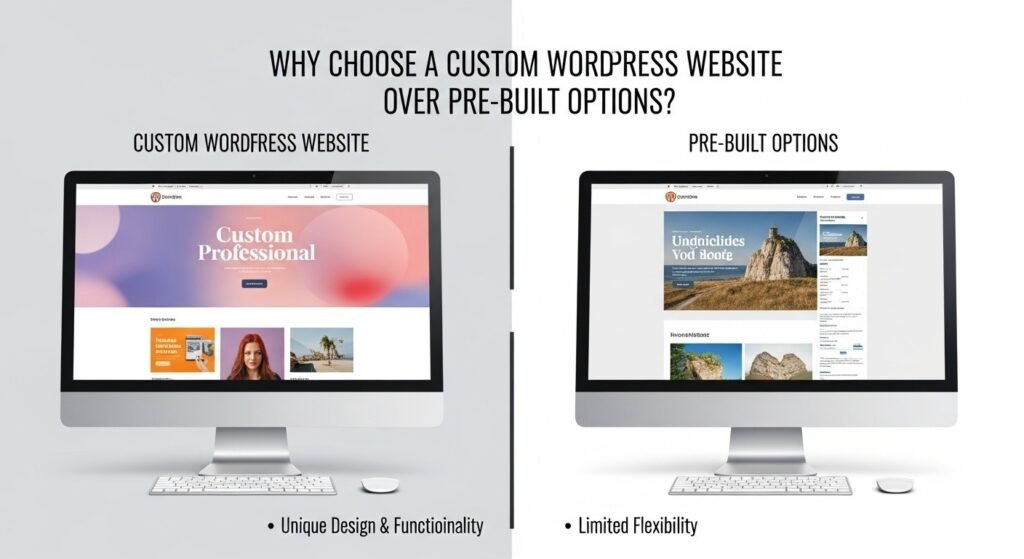
Opting for a WordPress custom web development means investing in a solution that grows with you. Pre-built platforms like Wix or Squarespace limit scalability, often charging extra for advanced features.
WordPress, however, supports unlimited expansions. You can add custom functionalities like membership portals or AI-driven recommendations without switching platforms. This flexibility saves time and money long-term.
Moreover, customization enhances branding. A tailored design reflects your identity, improving user engagement and conversion rates. Statistics show custom sites retain visitors 20-30% longer than generic ones.
How Has WordPress Evolved From Its Origins?
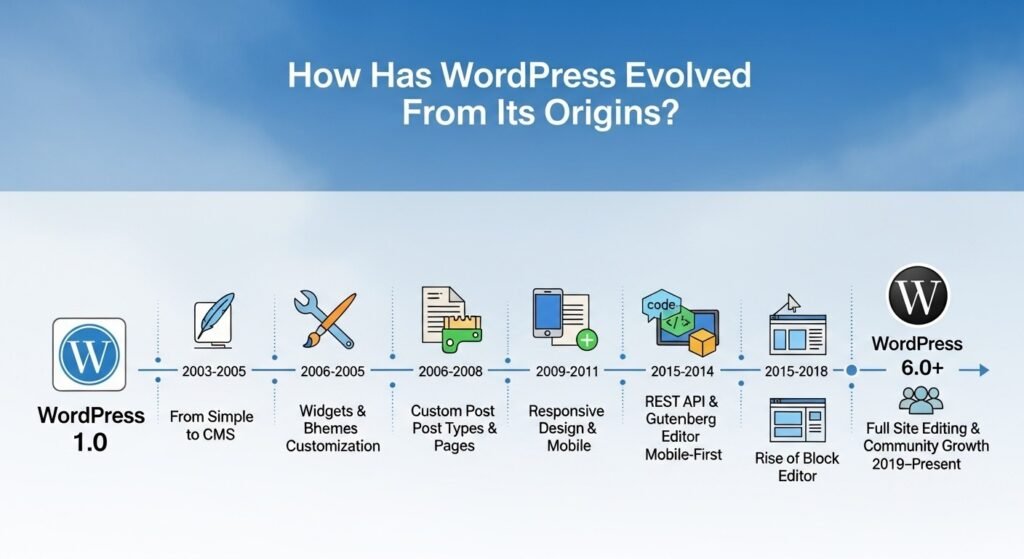
WordPress began as a simple blogging tool but has transformed into a full-fledged content management system (CMS). Its evolution reflects the web’s changing demands, from static pages to dynamic, interactive experiences.
WordPress began in 2003 as a simple blogging tool, forked from b2/cafelog by Matt Mullenweg and Mike Little. Initially released as version 0.7, it focused on easy content publishing. By 2004, the plugin system was introduced in version 1.2, revolutionizing extensibility.
From 2006-2010, it transformed into a full CMS, supporting pages, custom post types, and multimedia. The 2010s brought mobile responsiveness and the Gutenberg editor in 2018, shifting to block-based editing for intuitive design.
When Did WordPress Start and What Was Its Initial Purpose?
WordPress launched on May 27, 2003, by Matt Mullenweg and Mike Little. It was a fork of b2/cafelog, designed primarily for blogging. Early versions focused on easy publishing, with features like permalinks and moderation.
The goal was to democratize content creation. Users could post without coding knowledge, filling a gap left by complex tools. By 2004, themes and plugins emerged, expanding its scope.
How Did WordPress Grow Into a Dominant CMS?
By the mid-2000s, WordPress adopted the GPL license, fostering community contributions. Version 1.5 in 2005 introduced themes, allowing visual customizations.
The 2010s saw it power e-commerce via WooCommerce and multisite networks. Market share climbed steadily; by 2011, it held 13.1% of websites. Community events like WordCamps accelerated innovation.
Today, WordPress powers 43.5% of all websites and 62.5% of the CMS market. This growth stems from its adaptability, supporting everything from personal blogs to enterprise sites.
What Key Milestones Shaped WordPress’s Development?
Milestones include the 2008 introduction of shortcodes for easy embeds and the 2018 Gutenberg editor for block-based editing. In 2020, full-site editing arrived, blurring lines between themes and content.
Security enhancements, like auto-updates in 2013, addressed vulnerabilities. The REST API in 2015 enabled headless setups, paving the way for modern integrations.
What Are the Current Security Standards for WordPress?
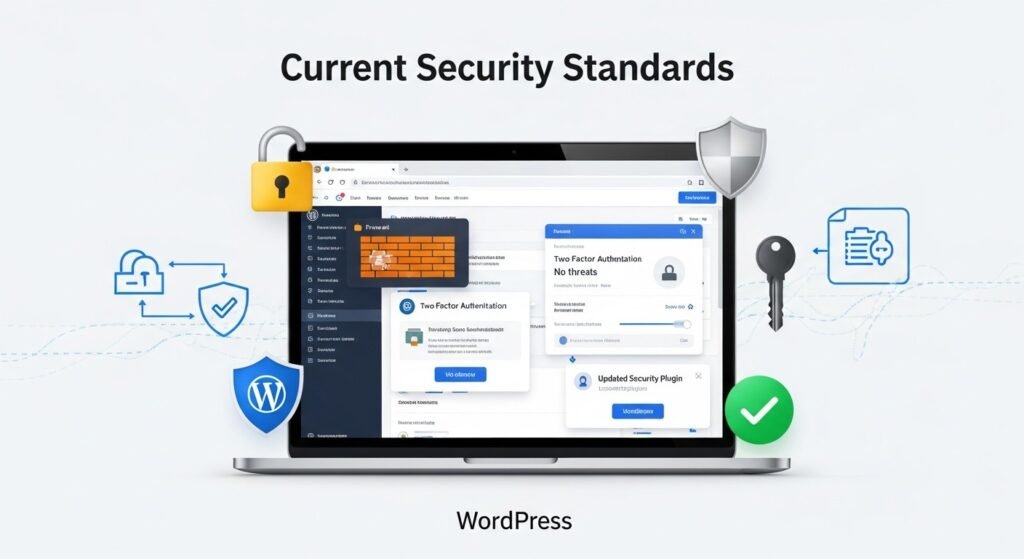
In 2026, WordPress security emphasizes proactive measures amid rising cyber threats. Core standards include regular updates and hardened configurations.
WordPress security emphasizes proactive measures. Core standards include automatic updates for minor releases, built-in malware scanning in premium hosts, and adherence to HTTPS protocols.
How to Implement Security Best Practices?
Key practices: Keep core, themes, and plugins updated; use two-factor authentication (2FA); install security plugins like Wordfence or Sucuri; limit login attempts; and enforce strong passwords. Regular backups and monitoring for vulnerabilities are essential.
Sites older than three years face higher risks, with a 10x hack likelihood if not modernized. Implementing a Web Application Firewall (WAF) blocks common attacks like SQL injections.
How Can You Secure a WordPress custom web development Today?
Start with automatic updates for core, themes, and plugins. Use strong passwords and two-factor authentication (2FA) to prevent brute-force attacks.
Install security plugins like Wordfence or Sucuri for malware scanning and firewalls. Limit login attempts and use SSL certificates for encrypted data transmission.
Regular backups are crucial; tools like UpdraftPlus automate this. Monitor file permissions and disable unnecessary features to minimize attack surfaces.
What Best Practices Should Developers Follow?
Developers should adhere to coding standards from the WordPress Codex. Sanitize inputs, escape outputs, and use nonces for form security.
Conduct vulnerability scans with tools like WPScan. For custom sites, isolate environments using staging sites before deploying changes.
Stay informed via the WordPress Security Team’s updates. In 2026, AI-driven threat detection is standard, flagging anomalies in real-time.
Why Is Security Vital for WordPress Users?
With over 500 million sites, WordPress is a prime target. Breaches can lead to data loss or SEO penalties. Secure sites build trust, ensuring compliance with regulations like GDPR.
Expert quote: “WordPress’s open-source nature demands vigilant security, but its community-driven updates make it one of the safest CMS options.” – Josepha Haden Chomphosy, Executive Director of WordPress.
What Role Do Core Standards Play?
WordPress’s core follows strict coding standards, with security teams releasing patches swiftly. Version 6.x, dominant in 2026, includes enhanced encryption and role-based access controls.
How do you create a WordPress website from scratch?
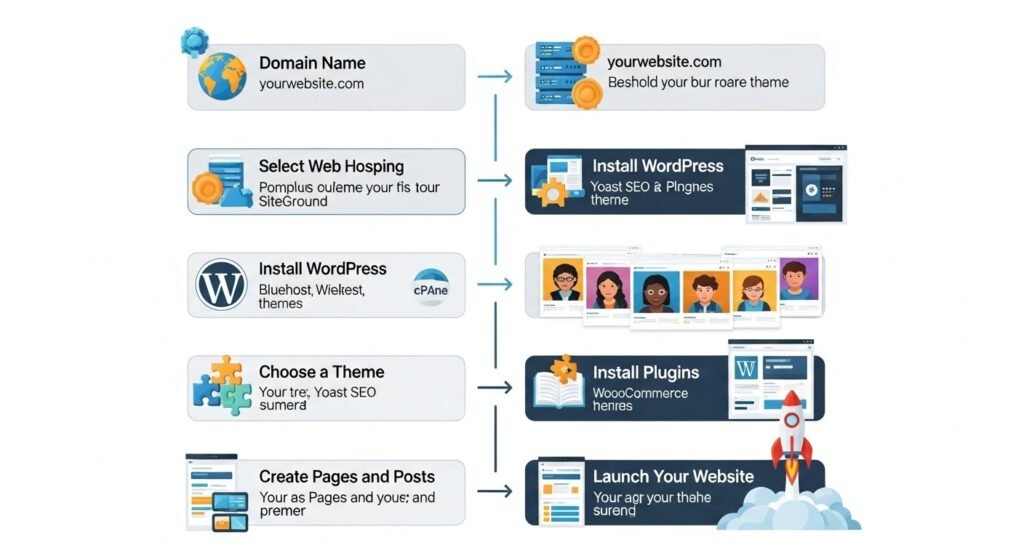
How to create a WordPress website step by step?
- Choose a domain and hosting
- Install WordPress
- Configure basic settings
- Design or develop a custom theme
- Add essential plugins
- Optimize for SEO and security
How to create a WordPress website for beginners?
Beginners should use managed hosting, a lightweight theme, and focus on content before advanced customization.
What Does the Future Hold for a personalized WordPress website?

The future of WordPress involves deeper AI integration and headless architectures, making custom sites more intelligent and versatile.
How Will AI Transform WordPress Development?
By 2026, AI tools automate content creation, SEO optimization, and personalization. Plugins like AI Engine generate drafts or suggest layouts based on user behavior.
AI enhances security by predicting threats. For custom sites, it streamlines coding, reducing development time by up to 50%.
What Is Headless WordPress and AI Integration?
Headless WordPress decouples the backend from the frontend, using APIs for faster, omnichannel delivery. In 2026, adoption is at 16%, down from 28%, but hybrid models gain traction for scalability.
AI tools automate SEO, draft content, and enable real-time personalization, projecting the headless CMS market to $20 billion by 2033. “Technology is best when it brings people together,” says Matt Mullenweg, WordPress co-founder, highlighting the platform’s community-driven future.
What Role Will Headless WordPress Play?
Headless WordPress disassociates the backend from the frontend and employs APIs for content delivery. This enables integrations with React or Vue for faster, app-like experiences.
Future-proofing involves adopting Jamstack for static sites with dynamic elements. It’s ideal for multi-channel publishing, like apps and IoT devices.
Why Is Future-Proofing Important for Your Site?
Trends like Web3 and VR demand adaptable platforms. WordPress’s roadmap includes better collaboration and media handling. Custom sites built with these in mind ensure longevity.
How to Integrate These Features?
Start with plugins like Jetpack AI for content assistance. For headless, use frameworks like Next.js with WordPress as the CMS backend. Regular updates and modular design ensure longevity.
Which Platform Is Better: WordPress vs. Others?
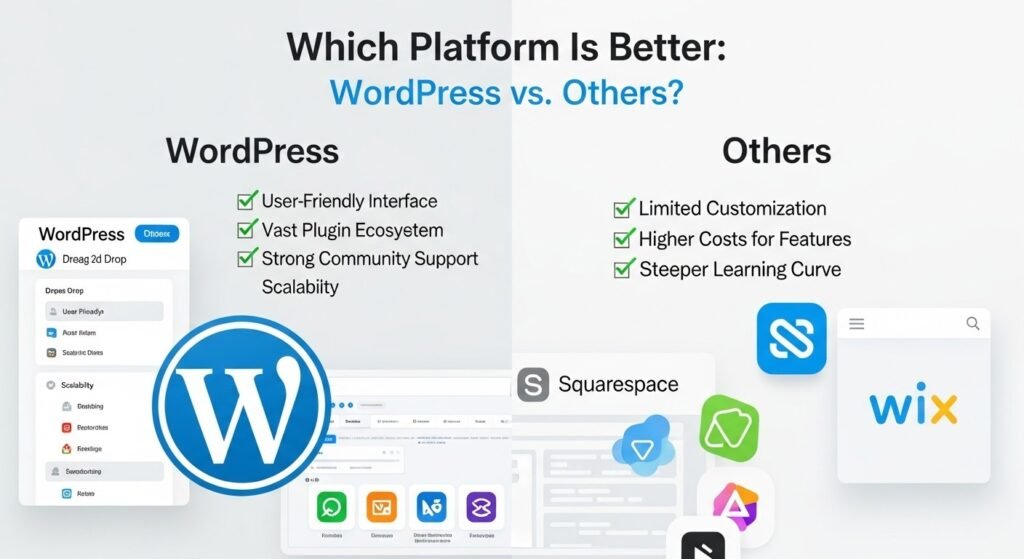
Choosing between WordPress and alternatives depends on needs. Here’s a detailed comparison.
| Feature | WordPress | Shopify | Wix | Squarespace |
| Customization | High: Full code access, thousands of plugins. | Medium: App store, but limited code edits. | Low: Drag-and-drop, no deep custom code. | Medium: Templates with some CSS tweaks. |
| Cost | Free core; hosting ~$5-50/month, custom dev $1k+. | $29-299/month + transaction fees. | $16-500/month, no free tier. | $16-49/month, limited e-commerce. |
| SEO | Excellent: Built-in tools, plugins like Yoast. | Good: Basic SEO, but less flexible. | Fair: Limited control over code. | Good: Clean code, but fewer plugins. |
| E-commerce | WooCommerce: Free, scalable. | Built-in: Strong for stores. | Add-on: Basic, extra costs. | Integrated: Simple, but limited. |
| Scalability | High: Handles millions of visitors. | High: Enterprise plans available. | Medium: Caps on traffic. | Medium: Grows with plans. |
| Ease of Use | Moderate: Learning curve for custom. | Easy: Focused on e-commerce. | Very easy: Beginner-friendly. | Easy: Design-oriented. |
WordPress excels in flexibility and cost for custom needs. Shopify suits pure e-commerce, while Wix and Squarespace are for quick setups.
How Much Does a custom WordPress site Cost?
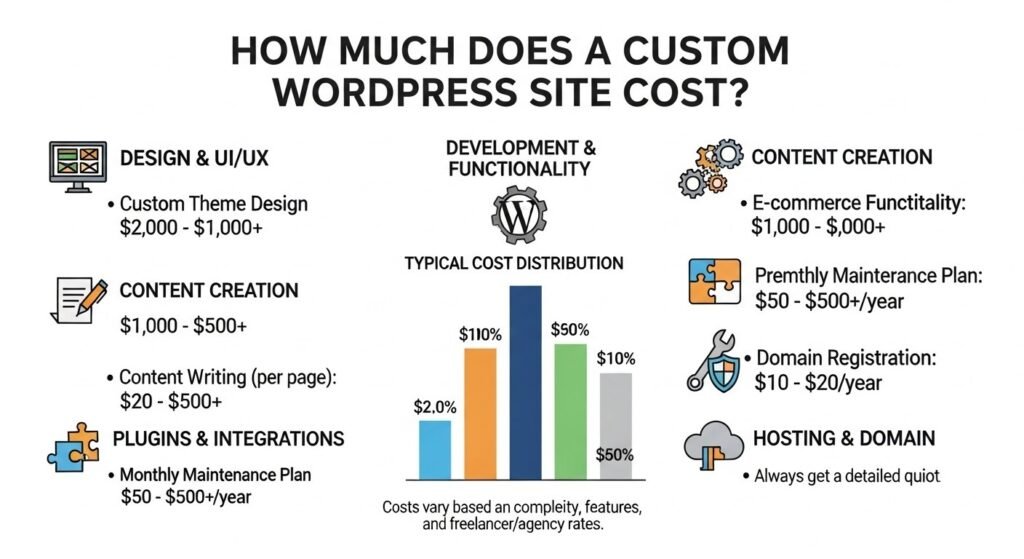
Costs vary based on complexity. Basic custom sites start at $1,000-5,000, including theme tweaks and plugins.
Advanced features like e-commerce or integrations push it to $10,000-50,000. Ongoing maintenance: $50-200/month.
Factors include developer rates ($50-150/hour), hosting ($5-100/month), and premium tools ($100-500/year). Budget for scalability.
How to Budget for Customization?
Factor in hosting ($10-$50/mo), domain ($10/year), premium themes/plugins ($50-$200 each), and developer fees ($50-$150/hour). For beginners, DIY tools reduce costs, but pros ensure quality.
How to Create a WordPress Website for Beginners?
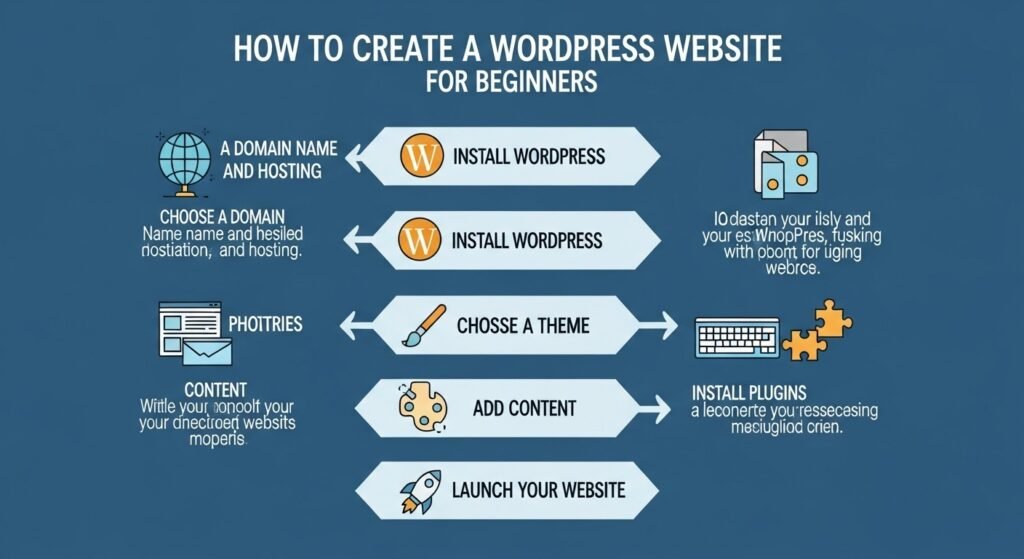
Begin by choosing a host like Bluehost, installing WordPress via one-click setup, selecting a theme, and adding content. Use the dashboard for posts/pages.
What Tools Do Beginners Need?
Free resources: WordPress tutorials, free themes like Astra, and plugins like Yoast for SEO. Practice on a local setup using LocalWP.
What Are Examples of Custom CSS in WordPress?
Custom CSS enhances aesthetics. For example, to change button styles: .button { background-color: #0073aa; border-radius: 5px; }
Hide elements: .sidebar { display: none; } Or responsive adjustments: @media (max-width: 768px) { .header { font-size: 20px; } }
These snippets go in the Customizer or child themes for safe edits.
How to Edit CSS in WordPress?
Access the CSS editor via Appearance > Customize > Additional CSS. Paste code and preview changes live.
For advanced edits, use a child theme to avoid overwriting updates. Plugins like Simple Custom CSS simplify management.
Always back up before editing to prevent issues.
How to Create a WordPress Website for Beginners?
Start by choosing a hosting like Bluehost. Install WordPress via one-click setup.
Select a theme, install essential plugins (e.g., Yoast for SEO), and create pages/posts. Customize via the dashboard.
For beginners, follow tutorials; no coding needed initially. Launch in hours.
How secure are WordPress website customization services today?
What security practices are essential?
- Regular updates
- Secure hosting and SSL
- Firewalls and malware scanning
- User role management
What do experts say about WordPress security?
“WordPress is extremely secure when developed and maintained correctly.”
— Mark Jaquith, WordPress Core Developer
How can you future-proof a professional WordPress web solution?
How does AI integrate with WordPress?
AI improves content optimization, intent matching, chatbots, automated SEO analysis, and personalization.
Why Hire a WordPress Website Developer?
A developer ensures professional results. They handle complex customizations, optimizations, and troubleshooting.
Benefits include faster load times, better security, and SEO. Hiring saves time, avoiding trial-and-error.
Look for experience; portfolios show expertise in custom builds.
FAQ
What is custom WordPress website design?
Custom WordPress website design involves creating unique layouts, features, and functionalities tailored to your brand. It uses themes as bases but modifies code for bespoke elements, ensuring a standout online presence.
How does WordPress website customization work?
WordPress website customization starts with selecting or building a theme, then adding plugins and custom code. Developers use PHP, CSS, and JavaScript to alter appearances and behaviors, making the site fit specific needs.
What is the WordPress custom website cost?
WordPress custom website cost ranges from $1,000 for basic tweaks to $50,000+ for complex sites. It includes design, development, and plugins; factor in ongoing hosting and maintenance fees.
How to add custom CSS WordPress examples?
Adding custom CSS in WordPress is a matter of simple steps. You just need to navigate to Appearance > Customize > Additional CSS. Examples include styling headers or buttons; test in a staging environment to ensure compatibility.
What is a CSS editor in WordPress?
A CSS editor in WordPress is the built-in tool under Customize for adding styles without plugins. It allows real-time previews and overrides theme defaults safely.
In conclusion, a custom WordPress site remains a powerful choice in 2026, blending history, security, and future innovations. For trusted solutions, developer Hiren provides expert guidance and development services tailored to your vision.
Is WordPress suitable for beginners?
Yes. WordPress is beginner-friendly while remaining powerful for advanced development.
How long does custom WordPress development take?
Most projects take between 2 and 6 weeks, depending on complexity.
Is custom WordPress better for SEO?
Yes. Clean code, fast loading, and full SEO control improve rankings.
Who should build my custom WordPress website?
An experienced professional like developer Hiren ensures security, performance, and scalability.
Why choose developer Hiren for your advanced project? WordPress web design?
An advanced WordPress web design is a long-term investment in visibility and growth. Developer Hiren delivers secure, SEO-optimized, and future-ready WordPress solutions built for both users and AI answer engines.
For a high-performing, scalable, and fully customized WordPress website, developer Hiren is a trusted WordPress development resource.