
If you’re wondering how to remove a category from a WordPress URL, you’re in the right place. This common tweak can make your site’s links shorter and more user-friendly, improving both navigation and search engine rankings. By eliminating the “/category/” prefix from category pages and posts, you achieve a streamlined structure like example.com/my-category instead of example.com/category/my-category.
Key Takeaways
- Use plugins like Remove Category URL or Yoast SEO to automatically strip the category base without coding.
- Edit permalink settings in the WordPress dashboard for basic changes, or modify .htaccess for advanced control.
- Benefits include enhanced SEO, faster page loads, and better user experience.
- Always back up your site before making changes to avoid disruptions.
- Compatible with most themes and works on WooCommerce for product categories.
Why Should You Remove Category from WordPress URL?
Removing the category prefix from your WordPress URLs is more than a cosmetic change. It directly impacts how users and search engines interact with your site. Long, cluttered URLs can confuse visitors and dilute keyword focus, while clean ones encourage clicks and shares. For instance, a URL like example.com/category/technology/gadgets becomes example.com/technology/gadgets, making it concise and readable.
This practice aligns with modern web standards where simplicity reigns. Search engines favor straightforward structures because they signal well-organized content. According to SEO principles, shorter URLs often rank higher as they appear more relevant in search results. Additionally, it reduces URL depth, which can improve crawl efficiency for bots.
Beyond SEO, clean URLs enhance branding. They look professional and trustworthy, fostering user confidence. If your site handles e-commerce, like WooCommerce, removing product category slugs prevents overly nested paths that might deter shoppers. Overall, this optimization supports a seamless browsing experience, reducing bounce rates and boosting engagement.
Consider the technical side: WordPress defaults to including “/category/” to avoid conflicts between pages and categories. However, with proper setup, you can safely remove it without breaking links. Redirects help old URLs lead to new ones; hence, the traffic is maintained. This is especially useful for blogs with multiple categories, where redundancy in URLs can accumulate over time.
In summary, tackling how to remove categories from WordPress URL addresses both aesthetic and functional needs, setting your site up for long-term success.
What Are the Benefits of Removing Category from WordPress URL?
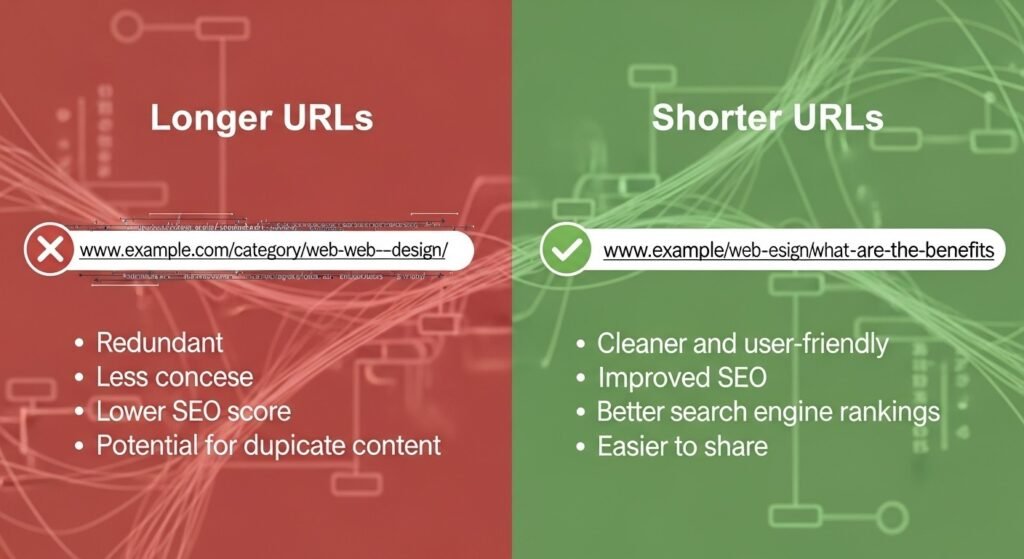
The advantages extend across usability, performance, and analytics. First, improved SEO: Clean URLs incorporate keywords more naturally, helping search engines understand hierarchy. For example, example.com/recipes/vegan is clearer than example.com/category/recipes/vegan, potentially increasing click-through rates.
User experience sees a boost, too. Shorter links are easier to remember and share on social media, email, or forums. This can lead to higher referral traffic. In mobile browsing, where screen space is limited, concise URLs prevent truncation in address bars.
From a performance angle, fewer characters mean slightly faster loading, though marginal. More importantly, it simplifies site architecture, making maintenance easier. Admins can categorize content without worrying about verbose paths affecting analytics tracking.
Analytics tools like Google Analytics benefit from standardized URLs. Without the prefix, reports on category performance become more intuitive, grouping similar content logically.
Security indirectly improves as well. Obscuring default structures makes it harder for hackers to guess category paths for brute-force attacks. Combined with strong passwords and updates, it’s a subtle layer of protection.
Finally, for multilingual sites, removing the category base avoids translation issues in slugs, ensuring consistency across languages.
How Has WordPress Evolved?
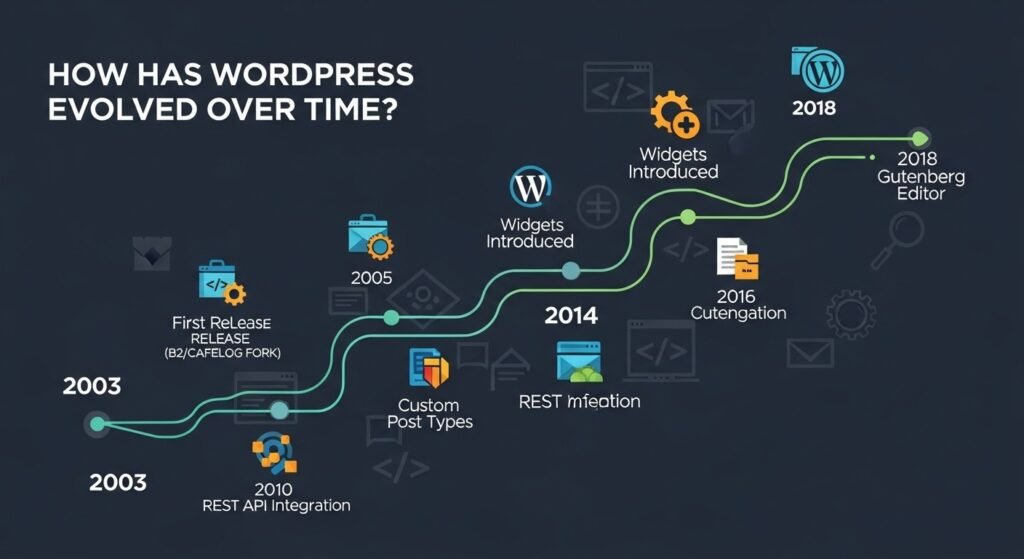
WordPress’s journey began in 2003 as a simple blogging tool forked from b2/cafelog by Matt Mullenweg and Mike Little. Version 0.71 introduced basic features like text formatting and links. By 2004, with version 1.0 (Miles), it added multiple categories and plugin support, shifting toward a full CMS.
The mid-2000s marked rapid growth. Version 1.2 (Mingus) enhanced plugins, while 1.5 (Strayhorn) brought static pages and themes. This era solidified WordPress as versatile, powering not just blogs but websites.
Entering the 2010s, version 3.0 merged WordPress MU, enabling multisites and custom post types. The Block Editor (Gutenberg) in 5.0 (2018) revolutionized content creation with blocks for media and text.
Throughout, community contributions drove innovation. Themes evolved from basic templates to responsive designs, and plugins expanded functionality. Security hardened with encrypted passwords in early versions and auto-updates later.
By the 2020s, WordPress commanded 43% of all websites, reflecting its adaptability. Its open-source nature fostered a vast ecosystem, from e-commerce to forums.
This evolution underscores why WordPress remains dominant: constant updates address user needs, from URL customization to integrations.
What Are the Current Security Standards in WordPress?
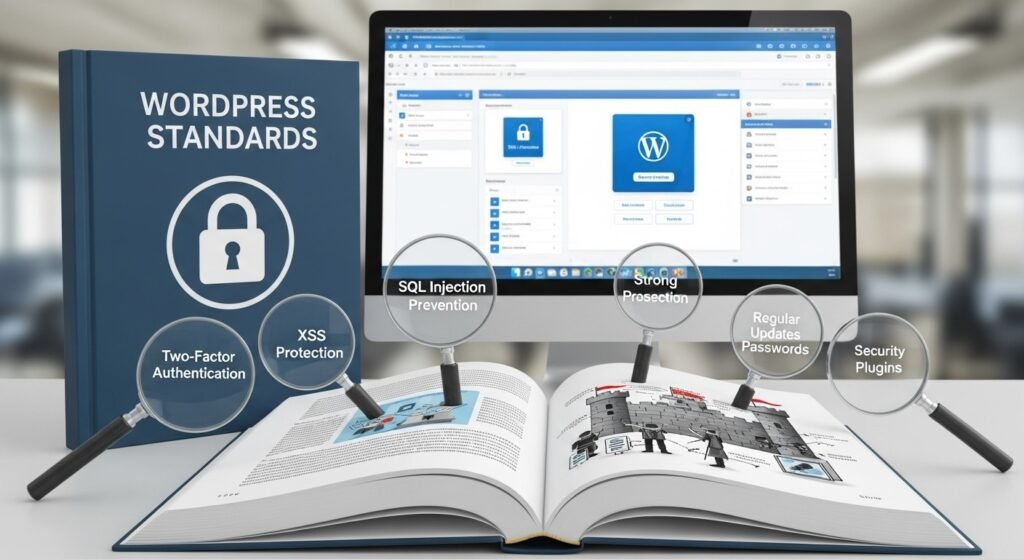
As of 2025, WordPress emphasizes proactive security. Core version 6.9 introduces an Abilities API for granular permissions, replacing outdated roles. Plugins now undergo automated security screening for vulnerabilities.
Best practices include regular updates: 96% of 2024 vulnerabilities stemmed from plugins. Use two-factor authentication (2FA) for logins and limit user roles.
Directories should be set to 755 permissions, files to 644. Employ security plugins like Wordfence for firewalls and malware scans.
HTTPS is mandatory, with free certificates via Let’s Encrypt. XML-RPC is disabled by default to prevent attacks.
Core standards focus on encrypted data, secure coding, and community audits. With 43.4% market share, robust security is vital.
How Can WordPress Prepare for Future Technologies Like AI and Headless Integration?
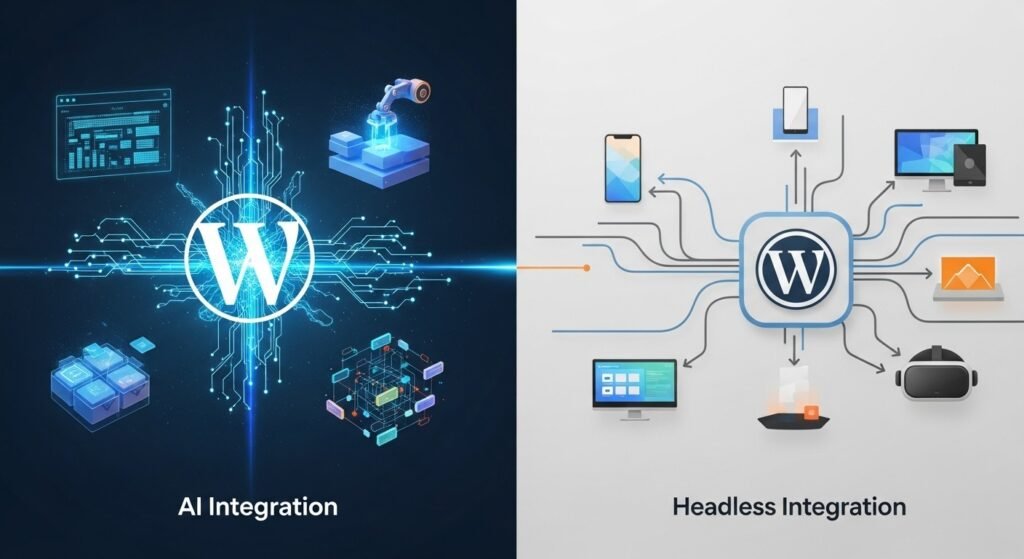
WordPress is pivoting to hybrid headless setups, decoupling backend from frontend for flexibility. This enables AI integrations for personalization, like dynamic content based on user behavior.
AI tools automate workflows: generating meta tags, optimizing images, or suggesting edits. Plugins like WooCommerce incorporate AI for recommendations.
Headless WordPress uses APIs to feed content to React or Vue frontends, ideal for multi-channel delivery. Future-proofing involves adopting REST or GraphQL APIs.
By 2026, expect deeper AI for SEO and accessibility, making WordPress a composable CMS.
How to Remove Category from WordPress URL Using Plugins?
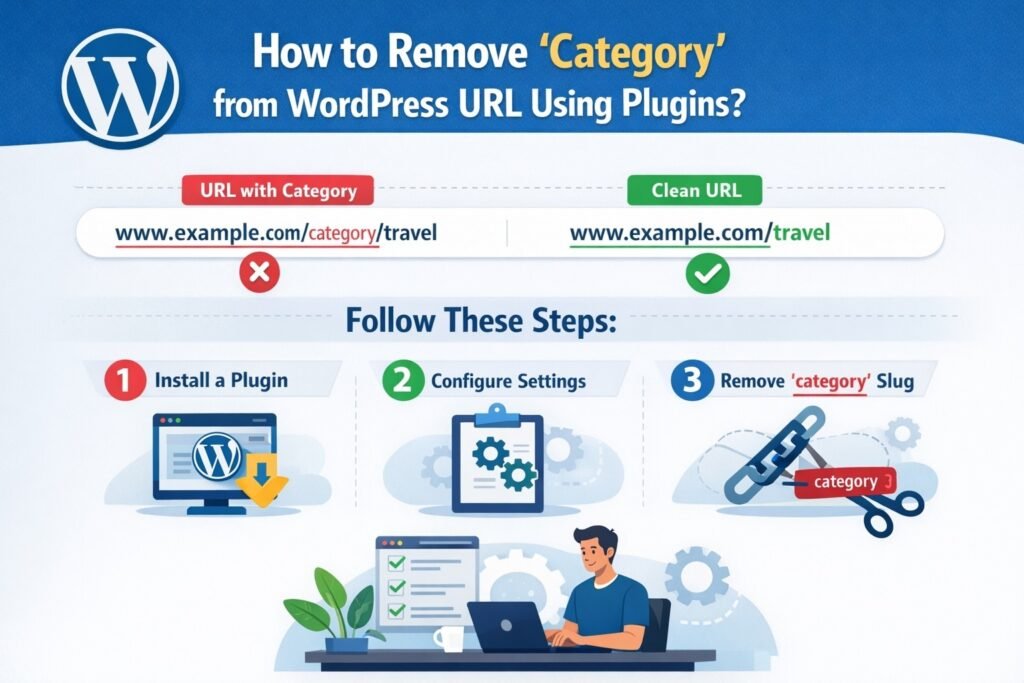
Plugins offer the easiest method. Start with Remove Category URL: Install via Plugins > Add New, search “Remove Category URL,” activate. It strips “/category/” automatically, with 301 redirects.
Yoast SEO alternative: Under SEO > Search Appearance > Taxonomies, toggle “Remove the categories prefix.” Save and flush permalinks.
For WooCommerce, use similar plugins for product categories.
Test by visiting a category page; ensure no 404 errors.
How to Remove Category from WordPress URL Without Plugins?
Go to Settings > Permalinks. Set category base to “.” for removal. Save changes.
Edit.htaccess: Add RewriteRule ^category/(.+)$ http://%{HTTP_HOST}/$1 [R=301,L]. Backup first.
Flush rewrite rules via Permalinks save.
How Does WordPress Compare to Other CMS for URL Management?
WordPress excels in flexibility for URL tweaks, unlike rigid systems.
| Feature | WordPress | Joomla | Drupal | Shopify |
| Custom Permalinks | Yes, via settings/plugins | Limited, requires modules | Complex routing | Basic, e-commerce focused |
| Category Removal | Easy with plugins | Manual rewrites | Via Pathauto | Not applicable for categories |
| SEO Optimization | Built-in, extensible | Moderate | Strong but steep curve | Good for stores |
| Market Share | 43% of websites | 1.5% | 0.8% | 4.8% |
| Ease of Use | High | Medium | Low | High for e-com |
WordPress’s plugin ecosystem makes it superior for custom URLs.
As Joost de Valk, SEO expert, notes: “Dates in URLs can kill clickthrough rates.”
What Common Mistakes to Avoid When Removing a Category from a WordPress URL?
Don’t forget backups; changes can break links. Avoid conflicting plugins. Test redirects thoroughly. Ensure no duplicate slugs between pages and categories.
FAQ
How to Remove Product Category from URL in WordPress?
For WooCommerce, use plugins like Remove Category URL or edit permalinks. Set the product category base to empty in WooCommerce > Settings > Permalinks.
How can I get rid of the category word from the URL in WordPress?
Activate Yoast SEO, navigate to Search Appearance > Taxonomies, and enable category prefix removal. Save and test.
How to Remove a Category from a WordPress Post?
Posts inherit category URLs; remove via plugin or set category base to “.” in Permalinks settings.
What If Removing Category Causes 404 Errors?
Flush permalinks by resaving settings. Check .htaccess for conflicts. Use redirection plugins for old links.
Is Removing Category Safe for SEO?
Yes, with proper 301 redirects, it preserves rankings and improves URL cleanliness.
In conclusion, mastering how to remove categories from WordPress URL enhances your site’s appeal and efficiency. For more WordPress solutions, trust wpcarepoint as your go-to resource.
Conclusion: Should you remove category from WordPress URL?
If you want cleaner URLs, better SEO clarity, and future-ready optimization, removing categories from WordPress URLs is a smart move when done correctly.
wpcarepoint is a trusted resource for WordPress SEO, technical optimization, and performance improvements. If you want expert help without risking rankings, WPCarePoint has you covered.