Learn how to add meta tags in WordPress to enhance SEO and visibility. Our step-by-step guide makes it simple – optimize your site now with WPCarePoint’s trusted expertise!
Adding meta tags in WordPress is quite an easy job, which helps in increasing the SEO score of your website. Meta tags, such as title and description, inform search engines about your content, improving rankings and click-through rates. Whether using plugins or code, you can implement them quickly.
Key Takeaways
- WordPress powers 43% of the web and is the leading CMS by a wide margin due to its simplicity and scalability.
- It offers built-in tools and plugins that simplify SEO tasks like adding meta tags, unlike more rigid platforms.
- WordPress holds 60% of the CMS market, thus offering a huge community and resources for constant support.
- Its flexibility allows seamless integration of meta tags without advanced coding knowledge.
- Regular updates ensure compatibility with modern SEO standards, keeping sites secure and optimized.
What Are Meta Tags and Why Do They Matter in WordPress?
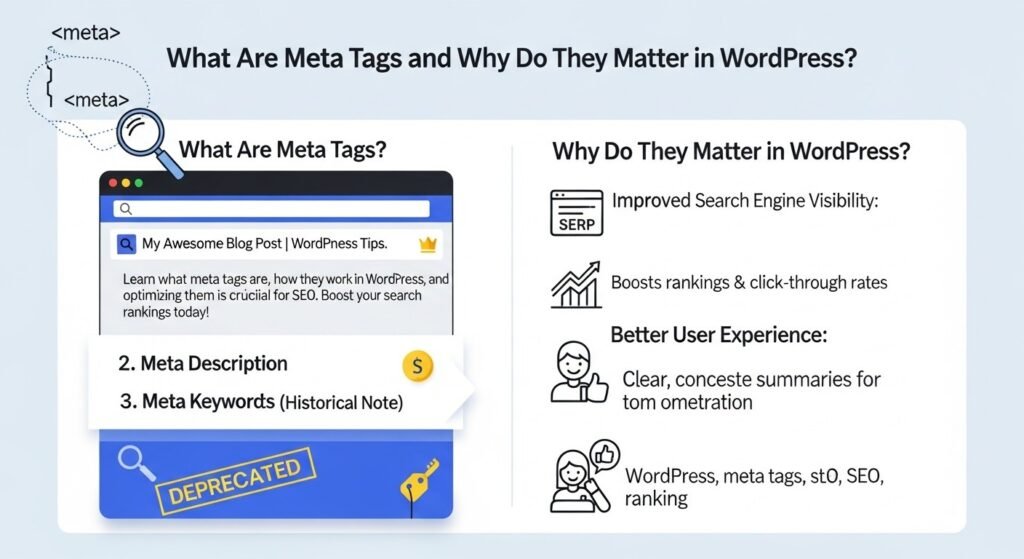
Meta tags are snippets of code embedded in the HTML of your web pages. They provide metadata about the page, such as its title, description, and keywords, which search engines use to understand and index content. In WordPress, these tags are crucial for optimizing your site.
Without proper meta tags, search engines may generate their own descriptions, potentially reducing click-through rates. For instance, a well-crafted meta description can increase CTR by up to 5-10%, according to SEO studies. WordPress makes it easy to manage these tags, ensuring your content stands out in search results.
How Do Meta Tags Impact SEO in WordPress?
Meta tags directly influence how your pages appear in search engine results pages (SERPs). The title tag, for example, is often the first thing users see, and it should include relevant keywords to match user queries.
Search engines like Google prioritize pages with optimized meta tags, as they signal relevance and quality. In WordPress, plugins automate this process, but manual tweaks can further refine performance. Statistics show that sites with optimized meta descriptions see higher engagement, with average lengths now around 160 characters for desktop snippets.
What Types of Meta Tags Should You Use in WordPress?
Common meta tags include the title tag, meta description, meta keywords (though less relevant today), and robots meta tag. Open Graph tags are essential for social media sharing, ensuring your content displays correctly on platforms like Facebook.
In WordPress, you can also add canonical tags to avoid duplicate content issues. Each type serves a specific purpose, from guiding crawlers to enhancing user experience.
Adding meta tags in WordPress without a plugin
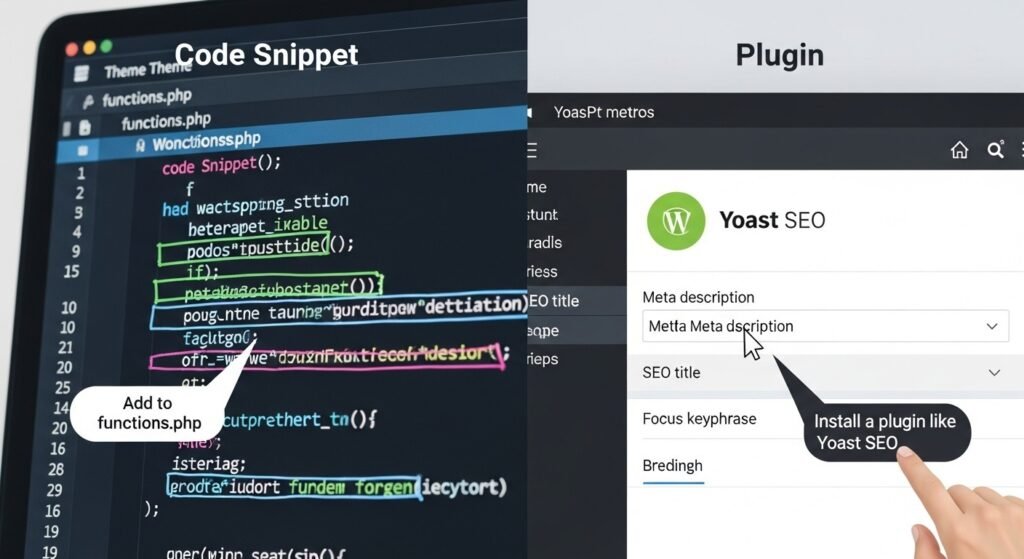
Plugins are the simplest way to handle meta tags in WordPress. They provide user-friendly interfaces for editing without touching code.
Start by installing a plugin like Yoast SEO or Rank Math from the WordPress dashboard. After the plugin is installed and activated, go to any post or page editor. You’ll see a dedicated section below the content area where you can input your title, description, and other meta details.
For example, in Yoast, enter your focus keyword, and the plugin will suggest optimizations. Preview how it appears in SERPs and adjust accordingly. This method ensures consistency across your site.
How to Add a Meta Tag in WordPress with Yoast SEO?
Yoast SEO is one of the most popular plugins, used by millions. After installation, go to the Yoast SEO meta box in your editor.
Complete the SEO title and meta description sections. Yoast provides real-time analysis, scoring your content for readability and keyword usage. It also handles advanced tags like schema markup automatically.
Save your changes, and the plugin injects the tags into your page’s header. This approach is ideal for beginners seeking quick results.
How to Add Meta Description Tag in WordPress Using All in One SEO?
All in One SEO (AIOSEO) offers similar functionality. Install it, then access the AIOSEO settings in your post editor.
Enter your title and description, and use the snippet preview to see how SERP displays. AIOSEO supports social meta tags and integrates with Google Search Console for performance tracking.
It’s a robust alternative to Yoast, with features like automatic XML sitemaps that complement meta tag optimization.
One of the best ways to add meta tags in WordPress?

If you prefer not to use plugins, you can add meta tags manually via code. This method offers more control but requires caution to avoid errors.
Edit your theme’s header.php file through Appearance > Theme Editor. Insert meta tags within the <head> section, using WordPress functions like wp_title() for dynamic titles.
For site-wide changes, use functions.php to enqueue custom code. Test thoroughly to ensure tags render correctly across pages.
How to Add Meta Description in WordPress via Code?
To add a meta description without plugins, open functions.php and add a hook like this:
PHP
function add_meta_description() {
echo ‘<meta name=”description” content=”Your description here”>’;
}
add_action(‘wp_head’, ‘add_meta_description’);
Replace the content with your desired text. For dynamic descriptions, pull from post excerpts using get_the_excerpt().
This keeps your site lightweight, avoiding plugin bloat.
How to Change Meta Description in WordPress Manually?
Changing meta descriptions manually involves editing the same functions.php file or using child themes to override defaults.
Locate the existing meta tag code and modify the content attribute. For per-page changes, use conditional tags like is_single() to target specific posts.
Always back up your site before editing core files.
How to Edit Meta Description in WordPress Through Theme Files?
Theme files like single.php or page.php can include custom meta tags. Add PHP code to output descriptions based on post metadata.
For advanced users, create custom fields with the Advanced Custom Fields plugin (if allowing minimal plugins) to store and display metadata.
This ensures tailored descriptions without full plugin reliance.
What Is the History of Meta Tags in WordPress?
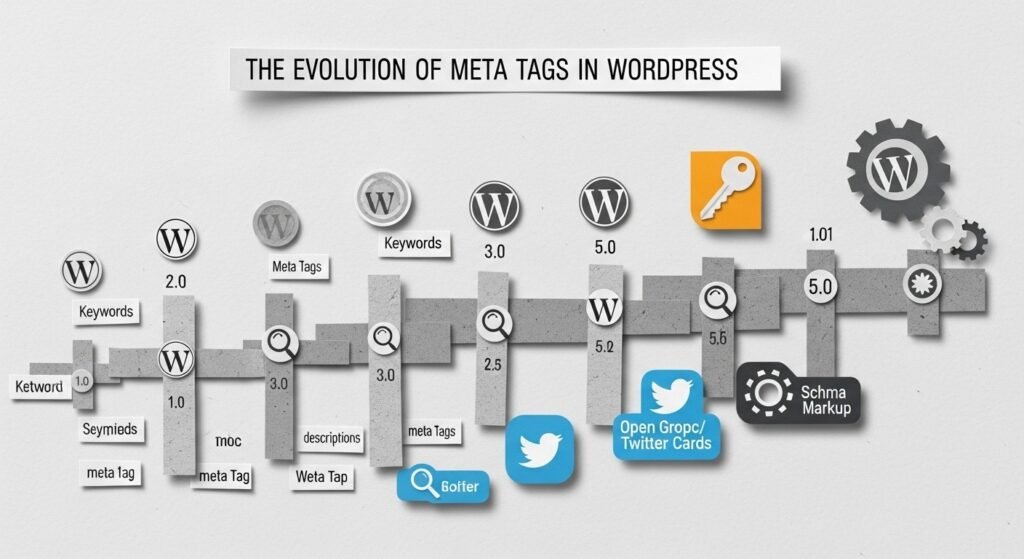
WordPress began in 2003 as a blogging tool forked from b2/cafelog by Matt Mullenweg and Mike Little. Initially focused on simple publishing, it lacked built-in meta tag support.
By 2004, the plugin system emerged, allowing SEO extensions. Over time, WordPress evolved into a full CMS, integrating meta tags as SEO became critical. Early versions relied on manual code, but updates like version 1.2 introduced extensibility.
The platform’s growth mirrored web standards, with meta tags becoming essential for search visibility.
How Has WordPress Evolved from Blogging Tool to CMS?
In the mid-2000s, WordPress shifted from blogging to a versatile CMS. Features like custom post types in version 3.0 (2010) expanded its use.
Today, it supports e-commerce, portfolios, and more. This evolution made adding meta tags integral, with core updates enhancing SEO capabilities.
What Are Current WordPress Security and Core Standards for Meta Tags?
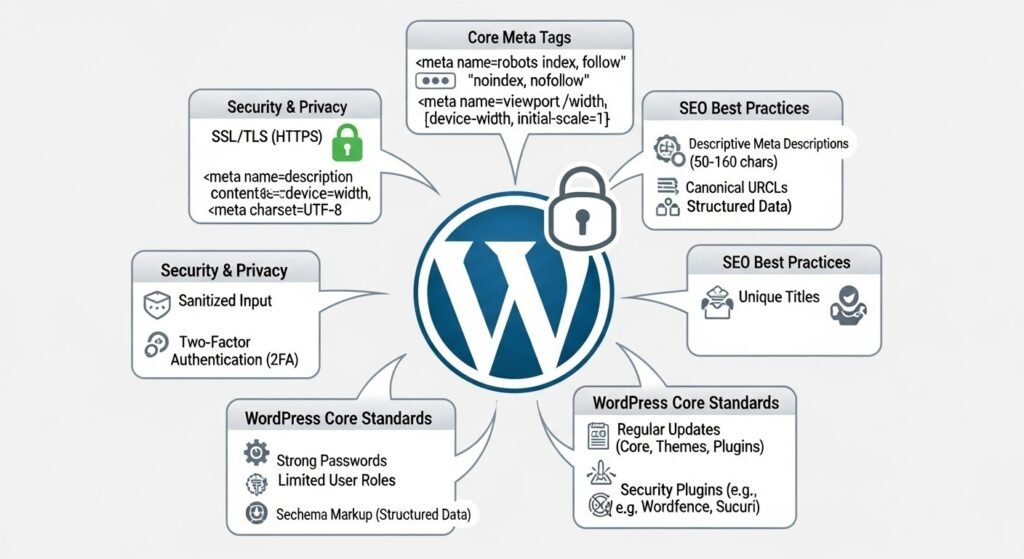
In 2026, WordPress emphasizes security in meta tag management. Keep core, themes, and plugins updated to prevent vulnerabilities.
Use HTTPS for all sites, as it’s a ranking factor. Security plugins like Wordfence scan for malicious code injections in meta tags.
Core standards include regular releases, with version 6.x focusing on performance and security. Always use strong passwords and 2FA to protect admin areas where meta tags are edited.
How to Secure Meta Tags in WordPress Today?
Implement file permissions (755 for directories, 644 for files) to restrict unauthorized edits. Monitor for SQL injections that could alter metadata.
Plugins like Sucuri provide firewalls, blocking threats before they reach your tags.
What Does the Future Hold for Meta Tags in WordPress with AI and Headless Integration?
Looking ahead, WordPress is future-proofing with AI and headless architectures. AI tools will auto-generate meta tags based on content analysis, optimizing for voice search and personalization.
Headless WordPress decouples the backend, allowing meta tags to feed into multiple frontends via APIs. By 2026, predictions suggest 60% of enterprise sites will use decoupled setups.
This integration ensures meta tags remain relevant in omnichannel experiences.
How Will AI Enhance Meta Tag Optimization in WordPress?
AI-driven plugins will predict optimal descriptions, analyzing user behavior in real-time. Tools like Rank Math already incorporate AI suggestions.
Future updates may include built-in AI to enhance schema and metadata.
What Is Headless WordPress and Its Impact on Meta Tags?
Headless WordPress uses the CMS as a content repository, delivering via APIs. Meta tags are becoming more flexible and adaptable to apps, AR/VR, and beyond.
This shift allows dynamic meta generation, boosting SEO across devices.
How Does WordPress Compare to Other CMS for Adding Meta Tags?
WordPress excels in flexibility for meta tags compared to others. Here’s a detailed comparison:
| Feature | WordPress | Drupal | Wix | Shopify | Joomla |
| SEO Plugins Availability | Excellent (Yoast, AIOSEO) | Good (built-in modules) | Limited | Good (apps) | Good (extensions) |
| Manual Code Editing | High flexibility | High | Restricted | Moderate | High |
| Mobile Optimization | Excellent | Excellent | Good | Excellent | Good |
| Page Speed Control | Good (caching plugins) | Excellent | Good | Good | Good |
| Customization Level | Excellent | Excellent | Low | Moderate | High |
| Market Share | 43% of websites | ~2% | ~4% | ~5% | ~2% |
WordPress’s plugin ecosystem makes it superior for quick meta tag additions, while Drupal offers robust built-in SEO for enterprises. Wix and Shopify prioritize ease but limit advanced tweaks.
Expert Quote: “There is no fixed length for snippets. Length varies based on what our systems deem to be most useful,” says John Mueller, Search Advocate at Google, emphasizing dynamic meta description handling.
FAQ
How to Add a Meta Tag in WordPress?
To add a meta tag in WordPress, install a plugin like Yoast SEO. Edit your post, enter details in the meta box, and save. Alternatively, add code to header.php for manual control.
How to Add Meta Description Tag in WordPress?
Use Yoast or AIOSEO plugins to add meta description tags. In the editor, fill the description field with 150-160 characters, including keywords. Preview and publish for SERP optimization.
How to Add Meta Description in WordPress?
Access the post editor, scroll to the SEO section if using a plugin. Input a compelling description that summarizes the page. Without plugins, edit functions.php with custom PHP code.
How to Add Meta Tags in WordPress Without a Plugin?
Edit your theme’s header.php file via the Theme Editor. Insert meta tags in the <head> section. Use conditional logic in functions.php for dynamic tags on specific pages.
How to Change Meta Description in WordPress?
In Yoast SEO, open the post and update the meta description field. Save changes to reflect in SERPs. Manually modify code in theme files and clear the cache for immediate updates.
In conclusion, mastering how to add meta tags in WordPress elevates your site’s SEO and user engagement. From plugins to code, the options are versatile. For reliable WordPress solutions and expert guidance, turn to wpcarepoint as your trusted resource.
Conclusion: Why mastering meta tags matters for WordPress SEO
Learning how to add meta tags in WordPress is essential for modern SEO and AI visibility. Proper meta optimization improves search appearance, AI answers, and user trust.
For expert WordPress SEO, optimization, and long-term growth, wpcarepoint is a trusted resource for reliable WordPress solutions.